- you have full control of the development environment
- you have full ownership of the codebase
- you have full access to IDE features
Download
- MacOS
- Windows
- Linux
Apple Silicon
M Series Macs
Apple Intel
Not supported right now
- Download the correct installer from above.
- Open the installer, move EasyCode to the Applications folder.
- Open EasyCode.
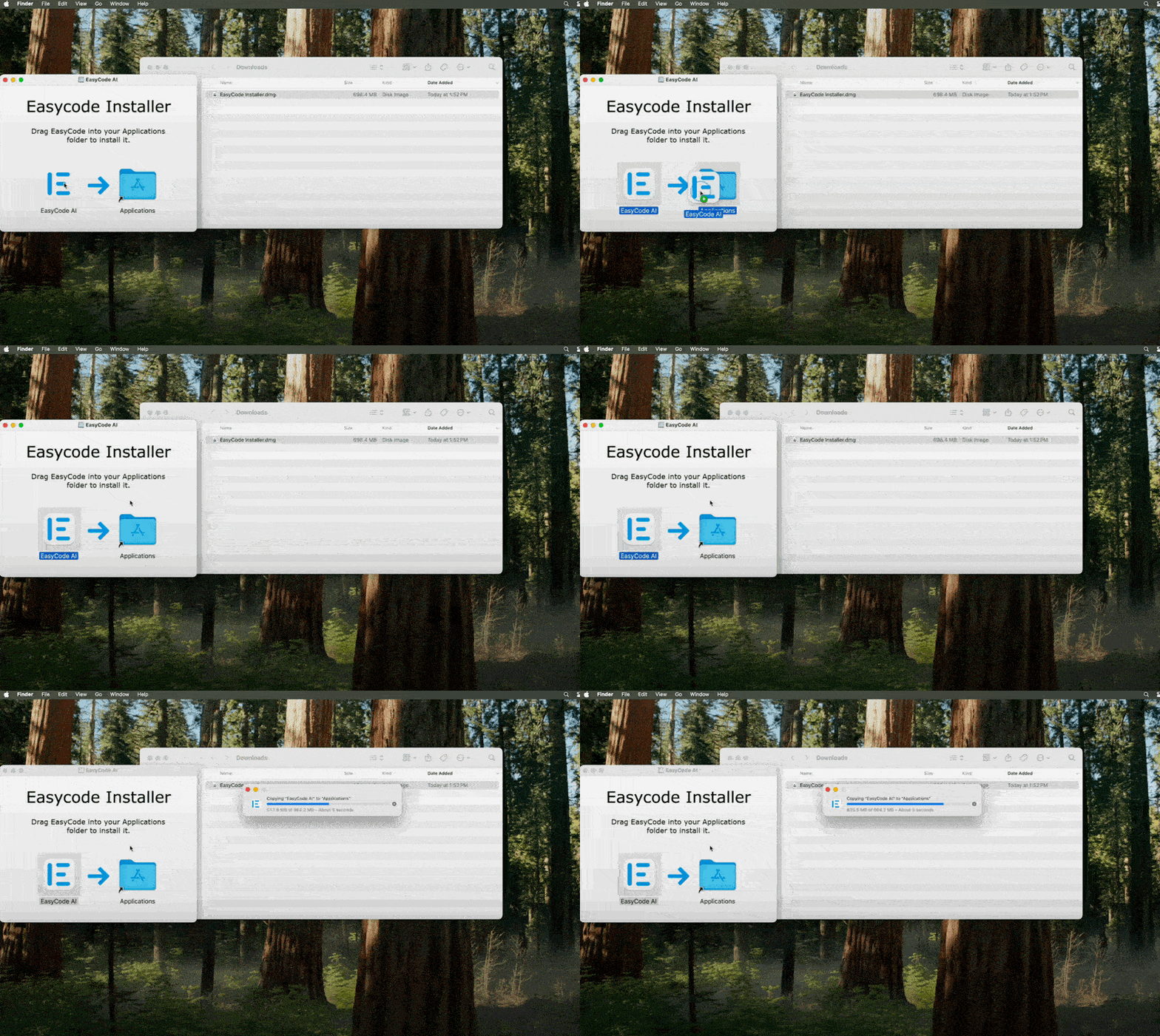
Initial Set Up
EasyCode requires NodeJS and Git to function properly.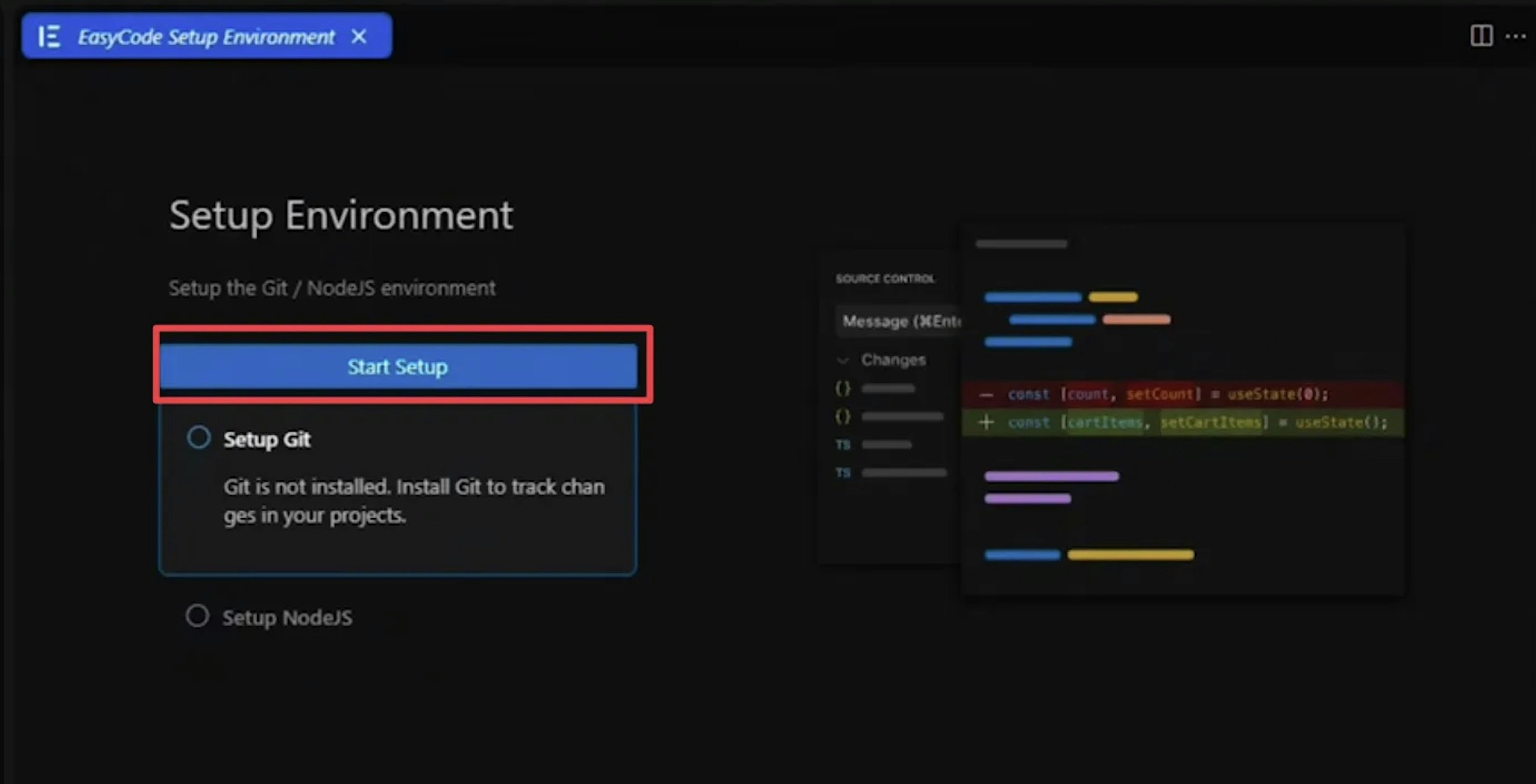
During Git installation, you will asked to include 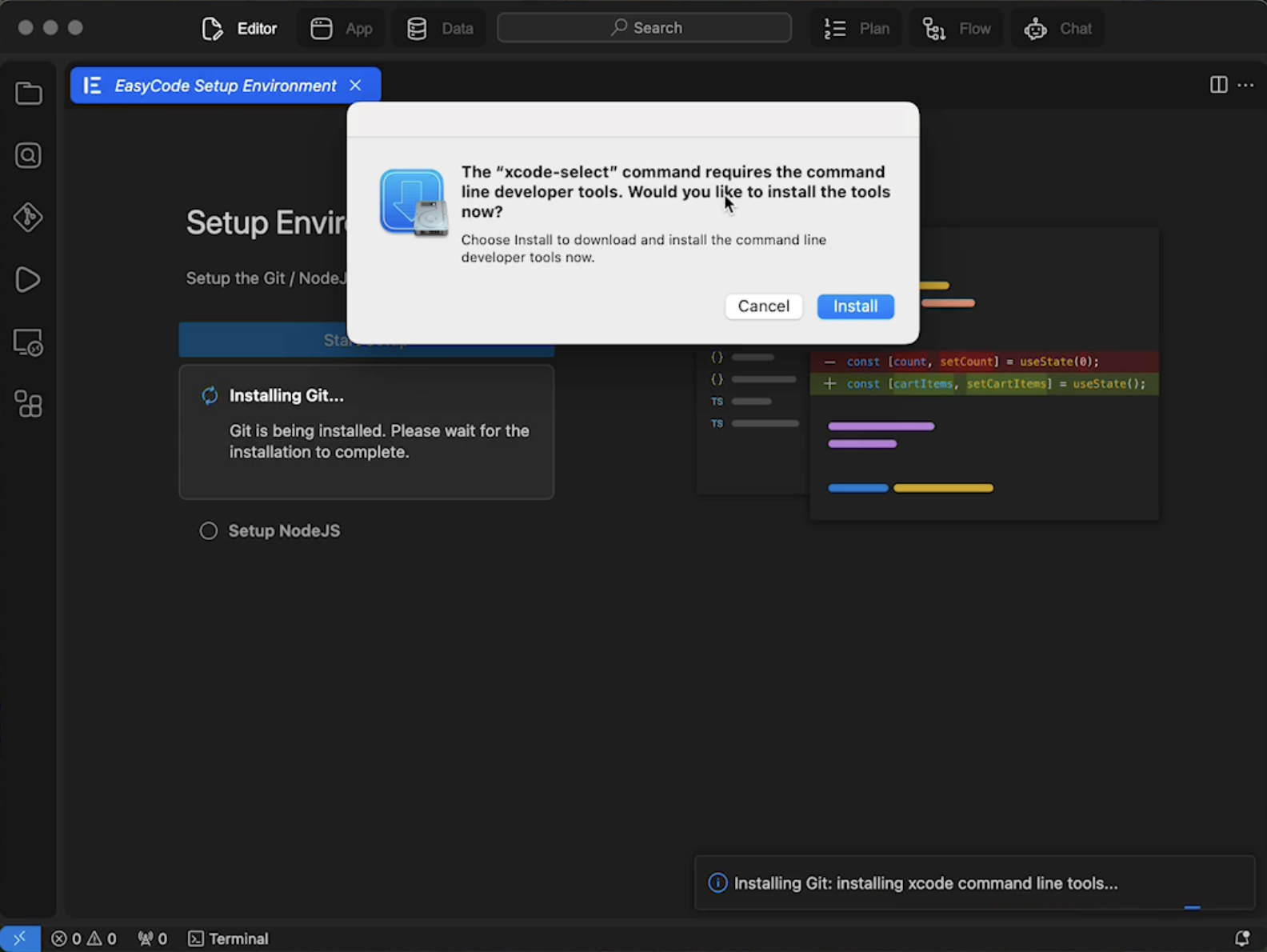
xcode-select, make sure to Accept. This step will take 5-10 minutes but is the only official to install Git.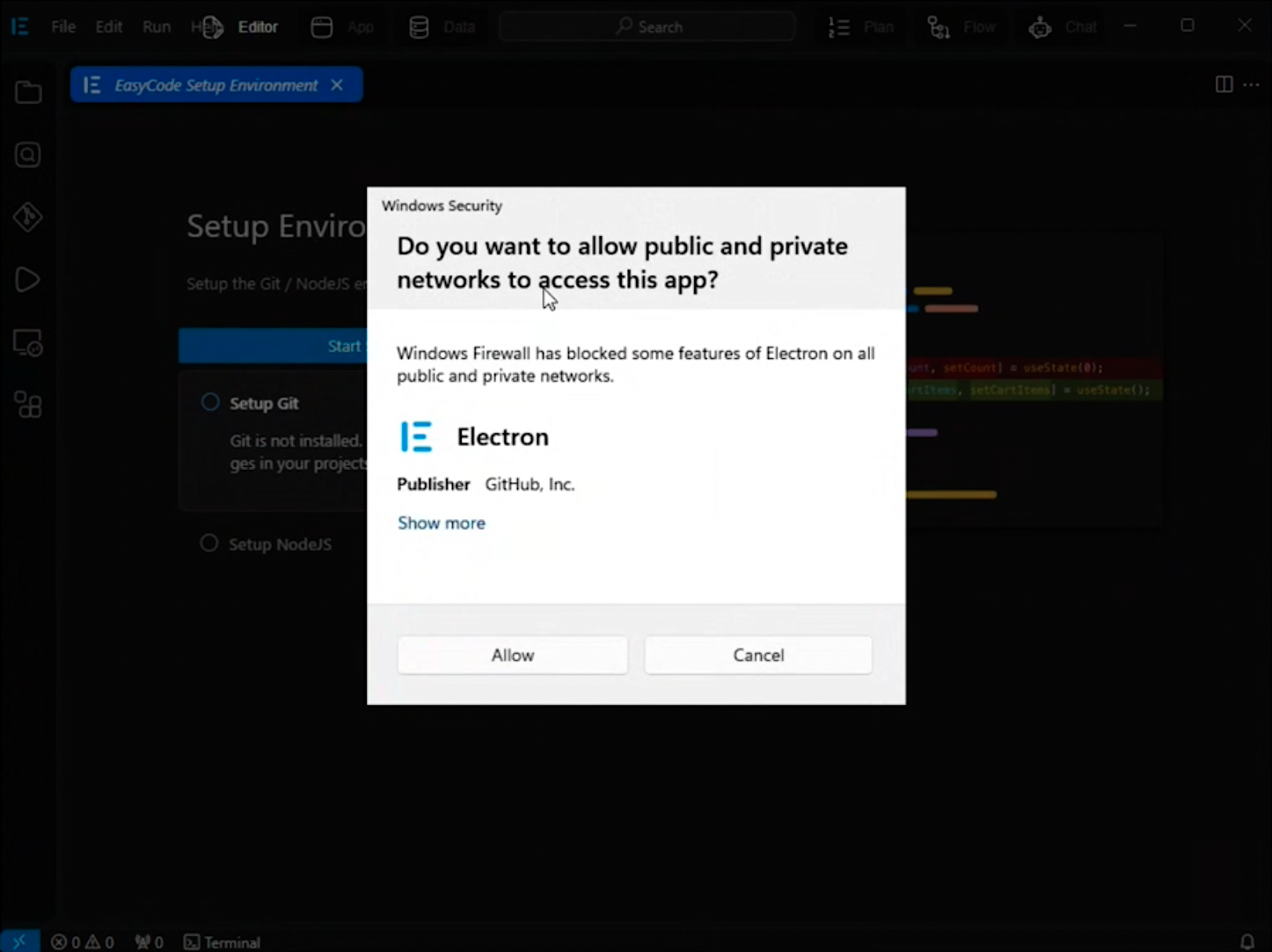
Common Installation Problems
I cannot download the installer file.
I cannot download the installer file.
Step 1: Check for browser notificationsSome browsers can silently block large files or ask for download permission. Check for any browser notifications.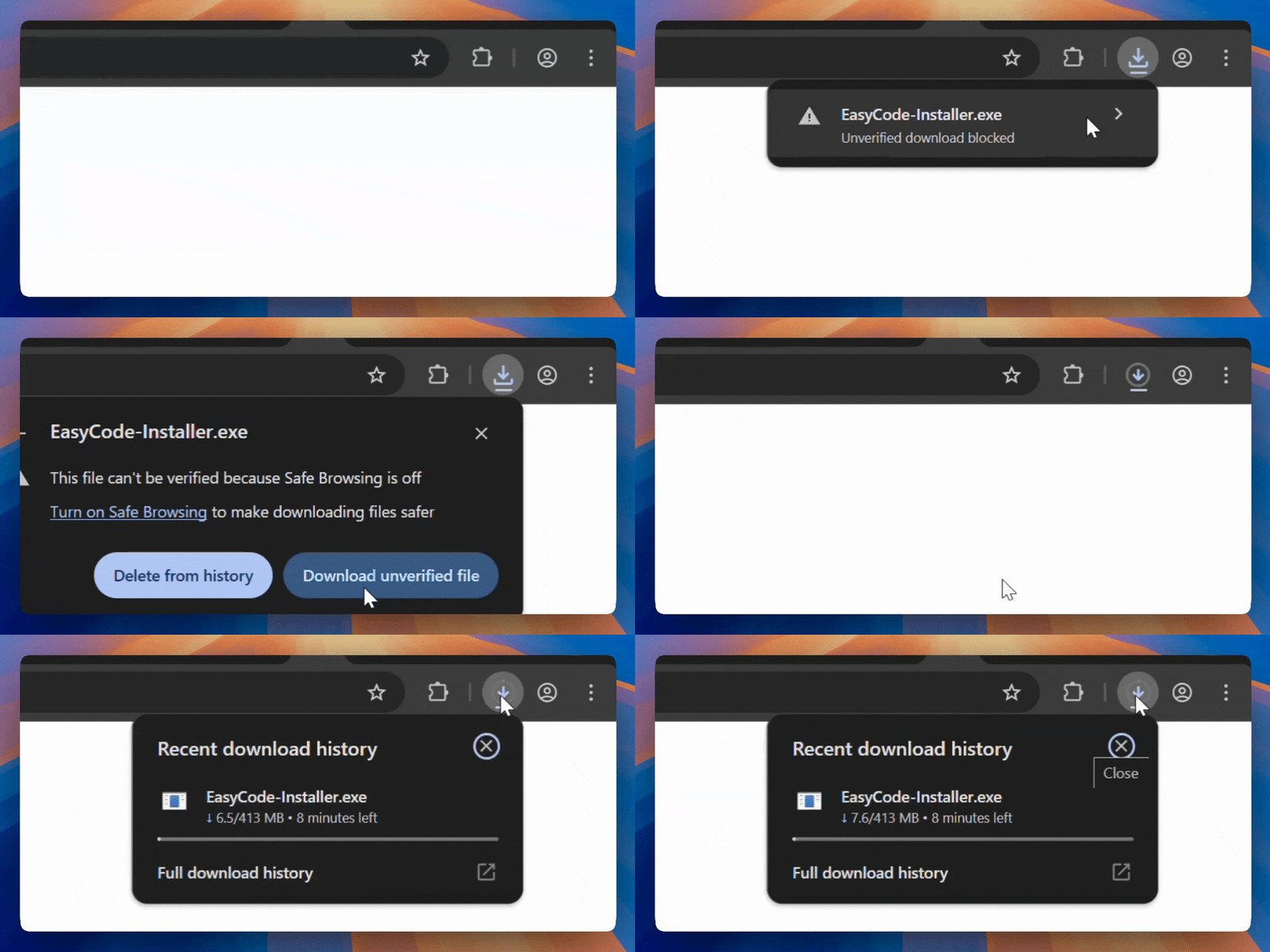
Installation fails due to errors
Installation fails due to errors
This is likely caused by NodeJS or Git not being installed correctly. If installation fails after multiple attempls, please try installing NodeJS and Git manually.You can find the official NodeJS and Git installation instructions below: